
Migrated sites bring MySQL databases with them, so the Migrations page is only available on servers running MySQL. It does not appear on a PostgreSQL server. If you need to move a site to a PostgreSQL server, please contact support.
- Migrating using WHM credentials. This requires root or sudo-capable credentials, or an SSH key. Best suited if you have multiple sites to move.
- Migrating using a cPanel backup. This allows you to upload a cPanel backup file (known as a
cpmovefile, ending in.tar.gz) to import a single site at a time - “Not sure”. This opens a ticket with our onboarding department, for our team to manage the migration process for you.
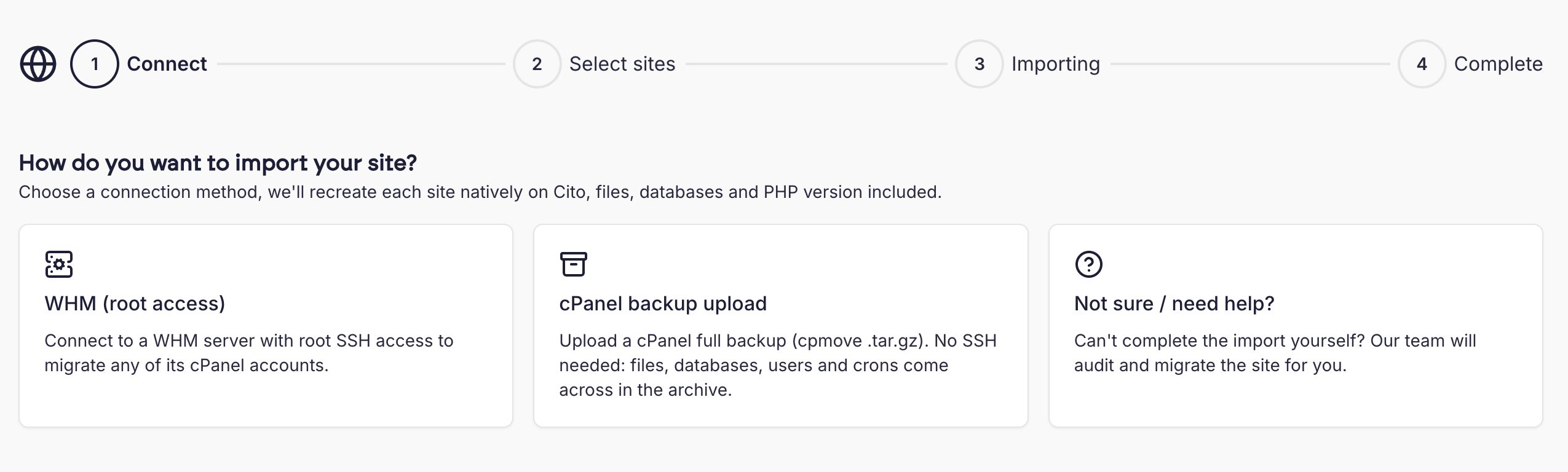
Migrating using WHM credentials
This step requires root-level credentials (or Sudo access) to allow you to import multiple sites from cPanel & WHM based servers. We connect via SSH to analyse the server and retrieve a list of domains. You should ensure the source server’s SSH port is accessible and not blocked by a firewall. You can review the list of domains and select the ones you wish to migrate. Domains must have a matching PHP version on the server to move them. If you are attempting to move a site which uses a PHP version not installed on the server, you will see an error- please contact Support if you need additional versions installed. We automatically attempt to detect the site type, but if you wish, you can set your own using the dropdown menu in the site list: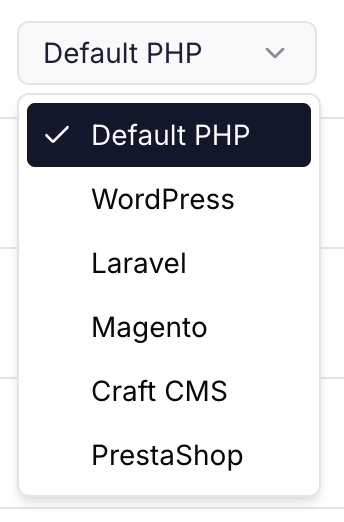
Preview URLs
When we migrate a site, we automatically generate a preview URL, and check this URL for a200 OK response code. We’ll indicate if we receive this with a status badge.
If the preview URL does not return a 200 OK response, the badge will show an error:
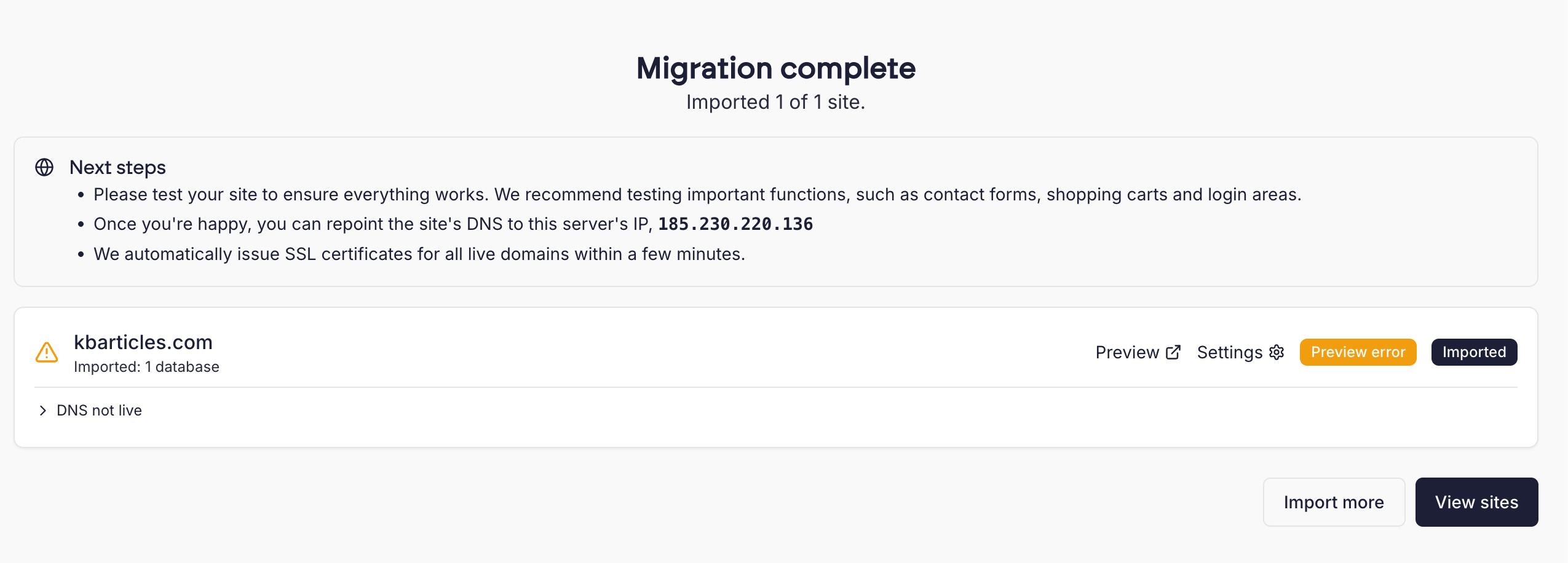 You should review these errors and compare them against the source server.
Migrating using a cPanel backup
You can also migrate using cPanel-format archive files, which can be generated from the “Backups” section in the source server’s control panel. You should select “Download a Full Account Backup” and follow the steps in cPanel to download the archive file. These files usually start withbackup and have a .tar.gz extension.
You can only migrate one site at a time using this method. If you have multiple sites to move, you may wish to use the WHM method detailed above.
Note that we cannot detect PHP versions inside these files, which means you will need to select your sites existing PHP version when migrating.
We automatically attempt to detect the site type, such as Wordpress, but if you wish you can set your own using the dropdown menu in the site list.